Feature
Matching buyers and properties
How does DreamToBuy find the right property for a buyer?
It compares the buyer's budget, BHK, area and must-haves with your properties and shows the best ones with a % match. When you add a property, it shows the buyers who fit.
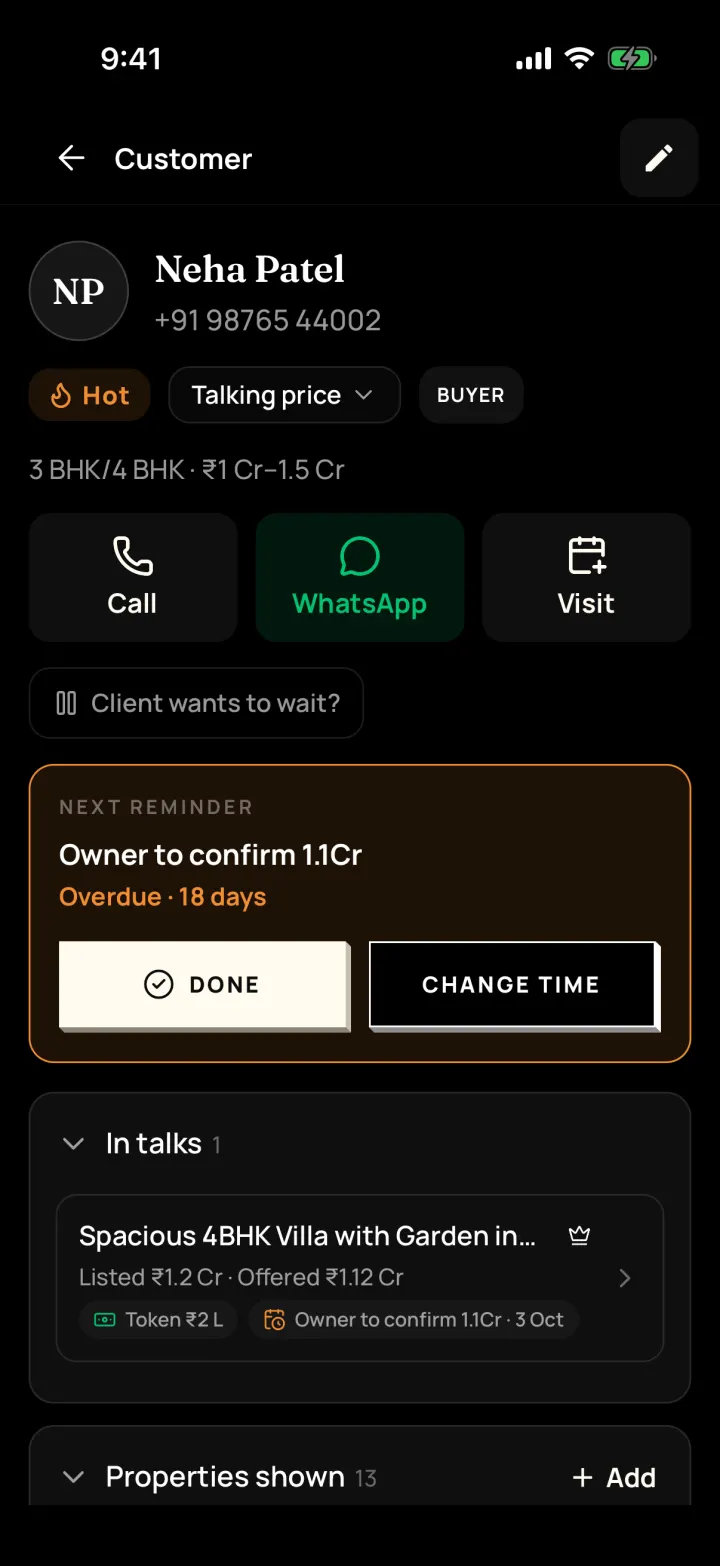
The problem it solves
A buyer calls and you scroll through listings trying to remember what fits their budget.
What you get
- Suggested properties on every buyer, with a % match
- Matching buyers on every property
- Mark which properties you showed and what the buyer said
How to do it in the app
Step 1
Note what the buyer wants
Budget, BHK, preferred areas and must-haves on the customer's page.
Step 2
See matching properties
Properties that fit show with a % match, so the best ones are at the top.
Step 3
Record their reaction
Mark each one Likes it, Maybe or Doesn't like, so you know what to show next.
Step 4
From the property side
Each property page shows "Other matching buyers" to call.
FAQ
Frequently asked questions
Common questions about matching buyers and properties in DreamToBuy.
No. It is a simple comparison of budget, BHK, area and must-haves, shown as a % match, so it's easy to understand.
Yes. The new property's page shows the buyers who fit it.
See it on your own customers and properties
Get a free demo of DreamToBuy. We'll set up your agency and walk your team through the app.