Feature
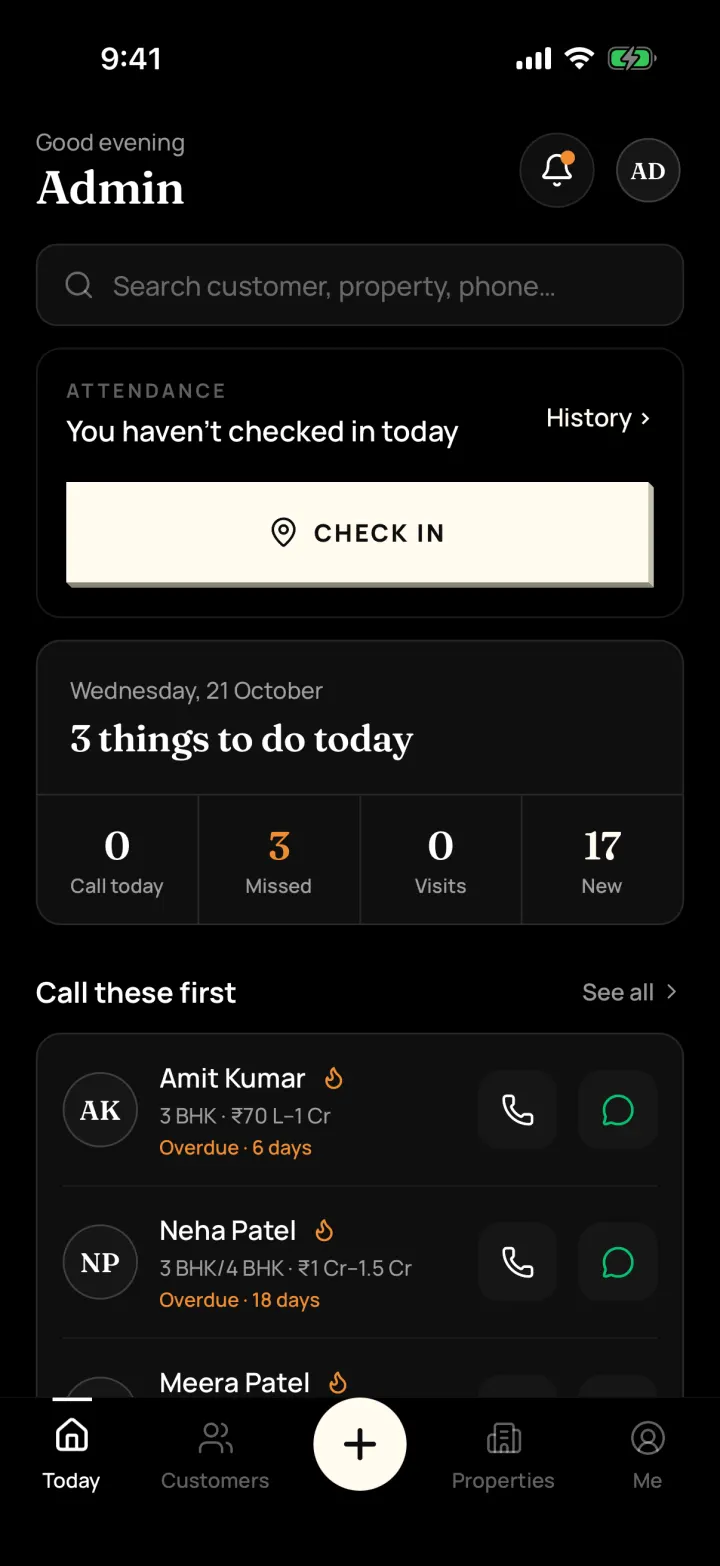
Phone and computer
Can I use DreamToBuy on my computer?
Yes. Log in at app.dreamtobuy.com with the same username and password as the phone app. Anything you add on one shows on the other.
The problem it solves
Typing long property details on a phone is slow when you're at the office.
What you get
- Android and iPhone app for the field
- Web portal for the office, with the same data
How to do it in the app
Step 1
Go to app.dreamtobuy.com
Use the same username and password as the phone app.
Step 2
Work at the office
Typing long property details and notes is quicker on a computer.
Step 3
Everything stays in sync
Customers, properties and visits you add on one show on the other.
FAQ
Frequently asked questions
Common questions about phone and computer in DreamToBuy.
No. It's the same login as the phone app.
See it on your own customers and properties
Get a free demo of DreamToBuy. We'll set up your agency and walk your team through the app.